
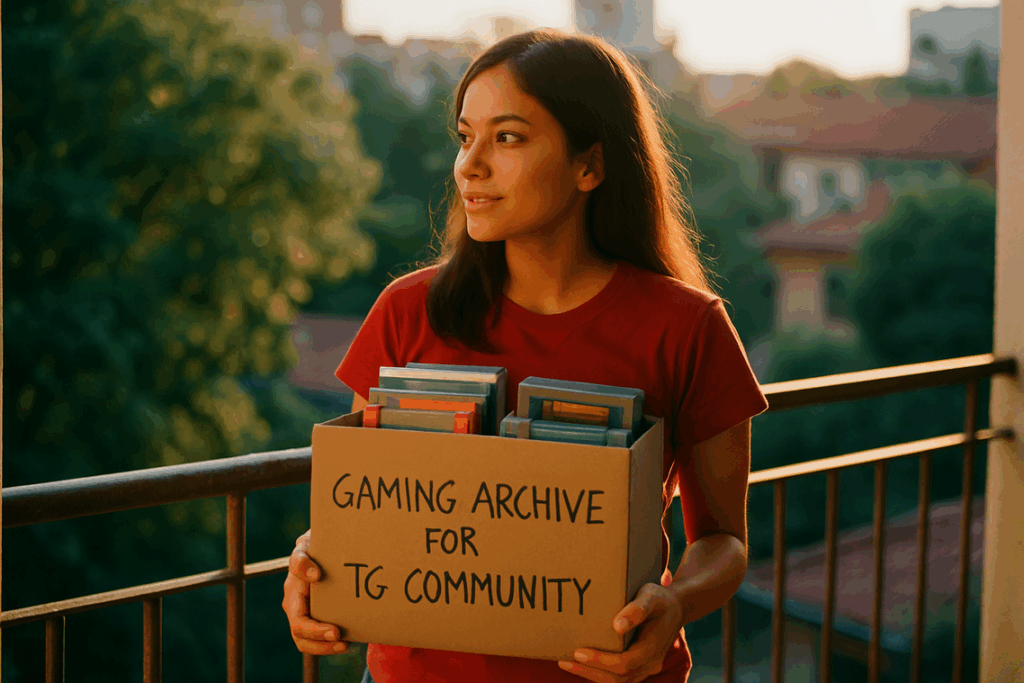
I’ve seen too many games disappear forever because nobody thought to save them properly.
You’re probably here because you want to preserve games before they vanish. Maybe you’re worried about server shutdowns or dying hardware. You should be.
Digital games are more fragile than most people realize. A book can sit on a shelf for centuries. A game? It needs working servers, compatible hardware, and software that still runs. Take any of those away and you lose it.
I’ve spent years working with digital infrastructure and data preservation. I know what breaks and why. More importantly, I know how to stop it.
This guide walks you through archiving video games the right way. Physical cartridges, digital downloads, online titles that could go dark tomorrow. All of it.
At tgarchivegaming we track these issues constantly. We document what’s at risk and test what actually works for long-term storage.
You’ll learn the practical steps to archive your games and the technical details that matter. No theory. Just what you need to do to keep these cultural artifacts from disappearing.
Because once they’re gone, they’re gone for good.
The Core Challenge: Why Gaming History Is at Risk
You boot up an old favorite from 2010.
Except you can’t. The activation server shut down three years ago.
This happens more than you’d think. Games you paid for just stop working because someone flipped a switch somewhere.
Let me break down why we’re losing gaming history faster than most people realize.
DRM Is Killing Our Access
Always-online requirements seemed like a good idea to publishers. Stop piracy, protect their investment.
But here’s what actually happened. When those authentication servers go offline (and they always do eventually), the games become unplayable. Doesn’t matter if you own the disc or bought it digitally.
I’ve watched entire libraries become paperweights overnight.
Your Hardware Won’t Last Forever
Consoles break down. It’s just physics.
The capacitors in your old PlayStation 2 are degrading right now. UMDs for the PSP? Those discs are already showing their age. And good luck finding replacement parts for a Dreamcast in 2025.
Cartridges hold up better than discs, but even those have issues. Battery-backed save files die. Connector pins corrode.
Some folks say this is just the natural cycle of technology. That we should accept it and move on.
But we don’t treat books or films this way. Why should games be different?
Bit Rot Is Real
Digital files decay. Even if you copy a game to a hard drive, that data can corrupt over time.
It’s called bit rot. Tiny errors accumulate in the storage medium until the file won’t run anymore. This is why Tgarchivegaming technology hacks by thegamearchives focuses on proper archival methods that account for this problem.
You need regular verification and fresh copies to keep things alive.
We’re Losing More Than Just the Game
Here’s what most preservation efforts miss.
A game isn’t just the base software. It’s the day-one patches that fixed game-breaking bugs. The community mods that kept it relevant for years. The official strategy guides and developer commentary.
When we archive a game without that context, we’re saving an incomplete picture. Like having a movie but losing all the deleted scenes and director’s notes.
That context matters if we want future generations to understand what these games actually meant.
Building Your Archive: The Physical and Digital Infrastructure
You can’t preserve what you can’t properly store.
I see collectors all the time who rip their games to a single hard drive and call it done. Then that drive fails and years of work vanish overnight.
Here’s what you actually need.
Hardware Essentials for Ripping Media
Start with a good optical drive. The LG WH16NS40 is what I use for Blu-rays and DVDs. It handles raw data reads without fighting you on copy protection.
For cartridge games, you need a dumper. The Retrode works great for SNES and Genesis carts. If you want something more flexible, look at the CartReader. It handles everything from Game Boy to N64.
(Yes, these cost money. But you’re building something that lasts decades.)
The 3-2-1 Backup Strategy
This is simple. Three copies of your data. Two different storage types. One off-site.
Here’s how I do it at tgarchivegaming. My primary archive lives on a NAS in my office. I keep a second copy on an external HDD in a fireproof safe. The third copy goes to cloud storage.
Some people say cloud storage is overkill. That you should just keep everything local where you control it. While some gamers argue that cloud storage is overkill and prefer the security of keeping everything local on their devices, the convenience of accessing your favorite titles from any device makes the cloud a compelling option, especially when your gaming Homepage is just a click away. Ultimately, whether you embrace the flexibility of cloud storage or the familiarity of local files, finding your ideal gaming experience often starts at the of your favorite platform.
But what happens when your house floods? Or burns down? You lose everything.
Choosing Long-Term Storage Media
HDDs are cheap and hold tons of data. But they have moving parts that eventually fail.
SSDs are faster and more reliable. They’re also expensive for large archives.
M-DISC optical media lasts up to 1,000 years according to testing. But you’re limited to 100GB per disc.
I use HDDs for active storage and M-DISCs for my most important backups. The stuff I never want to lose.
Network-Attached Storage Setup
A NAS is your central hub. I recommend RAID 5 or RAID 6 configurations. They let one or two drives fail without losing data.
Set it up once and it runs in the background. You just add files and the NAS handles redundancy automatically.
Pro tip: Test your backups every six months. A backup you can’t restore isn’t a backup.
The Software Protocol: Emulation and Virtualization
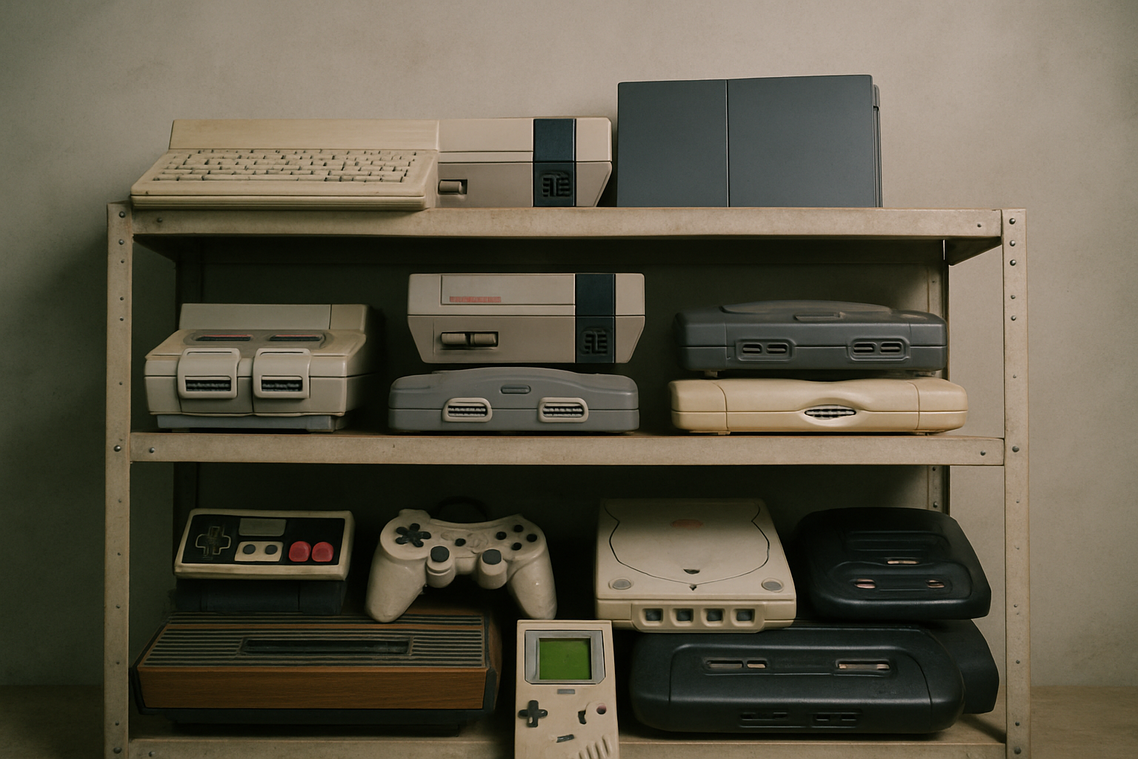
You want to play that game from 2003 again.
But your modern PC won’t run it. The installer crashes. The graphics glitch out. Or worse, nothing happens at all.
This is where emulation comes in.
Emulation means running software designed for one system on completely different hardware. Think of it as teaching your current computer to pretend it’s a PlayStation from 1995.
There are two main types. High-level emulation focuses on recreating what the software does. Low-level emulation recreates how the original hardware worked at a circuit level. Low-level is more accurate but needs more processing power.
Here’s what I use at tgarchivegaming for different platforms:
- MESEN for NES games (super accurate, clean interface)
- DuckStation for original PlayStation (fast and reliable)
- Dolphin for GameCube and Wii (been around forever, works great)
- RPCS3 for PS3 (still improving but playable for most titles)
Now here’s something people miss.
Most emulators need BIOS files or firmware to work properly. These are the basic instructions that tell the original hardware how to start up.
You can’t just download these from random websites. Legally, you need to dump them from hardware you actually own. Most emulator documentation shows you how to do this with the right tools.
For old PC games, emulation gets trickier.
Sometimes you need to recreate the entire operating system environment. That’s where virtual machines come in. Tools like PCem or VMware let you install Windows 98 inside your modern computer.
This matters because some games need specific drivers or dependencies that only existed in that era. Running the whole old OS gives you everything the game expects to find.
It’s more work upfront. But it’s often the only way to get certain games running exactly as they were meant to be played.
Ensuring Data Integrity and Usability
You spent hours downloading that rare game archive.
Then six months later, you try to open it. Corrupted file. All that work for nothing.
I’ve been there. It’s frustrating as hell.
Here’s what most people don’t realize. Digital files degrade. Hard drives fail. Transfers introduce errors. Your perfect archive today might be garbage tomorrow.
Checksums Keep Your Files Honest
Think of checksums as fingerprints for your files.
MD5 and SHA-256 are hash algorithms that create a unique string of characters for each file. If even one bit changes, the hash changes completely.
I use tools like HashTab on Windows or the built-in shasum command on Mac. You run it once when you archive the file and save that hash value. Later, you can verify the file hasn’t changed.
Takes about five seconds per file. Worth it every single time.
Some people say checksums are overkill for personal archives. They figure if a file opens, it’s fine.
But here’s what they’re missing. Corruption doesn’t always show up right away. You might lose a save file or encounter a glitch three hours into gameplay because of bit rot you never detected.
Structure Matters More Than You Think
I organize my tgarchivegaming collection like this: Platform folder, then Region, then Title.
Simple. Clean. You can find anything in under ten seconds.
Metadata files (.nfo or .xml) sit alongside each game. Release date, developer, version number, original source. All documented.
Future prediction? I think we’ll see AI-generated metadata become standard within two years. Tools that auto-populate this info just by scanning the ROM file.
The Redump and No-Intro Standard
These community projects maintain databases of verified game dumps.
They’ve cataloged checksums for thousands of titles. You compare your file’s hash against their database to confirm you have a clean copy. For gamers seeking peace of mind about their game files, utilizing the Tgarchivegaming Technology Hacks by Thegamearchives allows you to easily verify your copies against their extensive checksum database, ensuring that you always have a clean and authentic version. For gamers seeking peace of mind about their game files, utilizing the Tgarchivegaming Technology Hacks by Thegamearchives can streamline the process of verifying your copies by comparing your file’s hash against their extensive database of checksums.
It’s the closest thing we have to a preservation gold standard right now.
Becoming a Curator of Digital History
You came here to learn how to archive gaming content properly.
Now you have the complete technical roadmap. You know what hardware you need, which software protocols work best, and how to maintain data integrity over time.
Here’s what you’re fighting against: hardware failure, software obsolescence, and data rot. These three threats will destroy your collection if you don’t take action.
The good news? This infrastructure-first approach works because it’s built on verification and redundancy. You’re not just saving files. You’re creating an archive that stays accessible and verifiable for decades.
I’ve seen too many collections lost because someone waited too long to start.
Don’t let that be you.
Pick one game or one system right now. Build your first archive today and preserve a piece of interactive history that might otherwise disappear.
tgarchivegaming exists to help you navigate these technical challenges. We provide the protocols and insights you need to protect digital culture.
Your collection matters. Start archiving it before it’s too late. Tgarchivegaming Tips. News Tgarchivegaming.
 There is a specific skill involved in explaining something clearly — one that is completely separate from actually knowing the subject. Jelvith Rothwyn has both. They has spent years working with digital infrastructure insights in a hands-on capacity, and an equal amount of time figuring out how to translate that experience into writing that people with different backgrounds can actually absorb and use.
Jelvith tends to approach complex subjects — Digital Infrastructure Insights, Tech Setup Tutorials, Knowledge Vault being good examples — by starting with what the reader already knows, then building outward from there rather than dropping them in the deep end. It sounds like a small thing. In practice it makes a significant difference in whether someone finishes the article or abandons it halfway through. They is also good at knowing when to stop — a surprisingly underrated skill. Some writers bury useful information under so many caveats and qualifications that the point disappears. Jelvith knows where the point is and gets there without too many detours.
The practical effect of all this is that people who read Jelvith's work tend to come away actually capable of doing something with it. Not just vaguely informed — actually capable. For a writer working in digital infrastructure insights, that is probably the best possible outcome, and it's the standard Jelvith holds they's own work to.
There is a specific skill involved in explaining something clearly — one that is completely separate from actually knowing the subject. Jelvith Rothwyn has both. They has spent years working with digital infrastructure insights in a hands-on capacity, and an equal amount of time figuring out how to translate that experience into writing that people with different backgrounds can actually absorb and use.
Jelvith tends to approach complex subjects — Digital Infrastructure Insights, Tech Setup Tutorials, Knowledge Vault being good examples — by starting with what the reader already knows, then building outward from there rather than dropping them in the deep end. It sounds like a small thing. In practice it makes a significant difference in whether someone finishes the article or abandons it halfway through. They is also good at knowing when to stop — a surprisingly underrated skill. Some writers bury useful information under so many caveats and qualifications that the point disappears. Jelvith knows where the point is and gets there without too many detours.
The practical effect of all this is that people who read Jelvith's work tend to come away actually capable of doing something with it. Not just vaguely informed — actually capable. For a writer working in digital infrastructure insights, that is probably the best possible outcome, and it's the standard Jelvith holds they's own work to.